We all use text messaging to stay in touch with friends and family, and also to interact with many businesses. If you have more than one Apple device, it’s a great convenience to be able to send and receive messages on all of them, but keeping your message list synchronized across your devices can be a challenge. There are a few settings that will ensure that everything stays in sync automatically.
Time To Leave Windows 7
Microsoft will end support for Windows 7 on January 14, 2020. This means that after that date they will no longer issue security and feature updates nor will they provide support. While it may seem that there is plenty of time to worry about this, if you’re using a PC that is running Windows 7, doing some planning and preparation now will help make the transition smoother.
Two-Factor Authentication
I’ve written previously about how using strong, unique passwords and also ensuring that your devices are always up-to-date are important ways to stay secure online. In this article, I’m going to cover how to ensure that you are the only one that can sign in to your account. It’s called two-factor authentication, which is quite a mouthful, but is simple to set up, simple to use, and is a big improvement over just using a password.
Managing Passwords
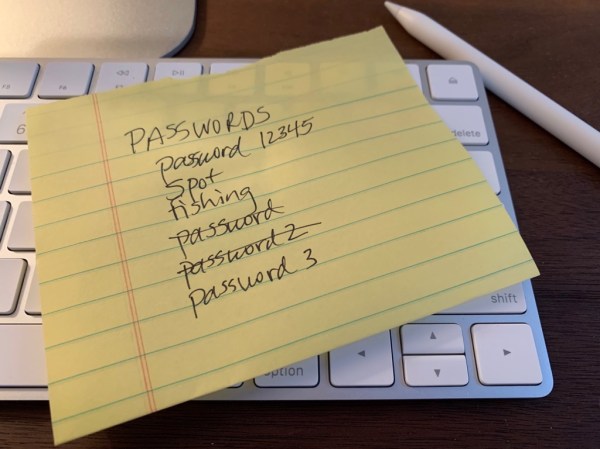
We all struggle with managing all of our passwords. Every site and account wants a password, and some make you change them regularly. Keeping track of all these passwords has become quite a chore, so many people use easy-to-remember passwords or re-use passwords to make that chore simpler. The problem is that doing that makes it easy to guess or hack your passwords.